Studio · The browser workspace
Your whole application, one workspace
Studio runs in the browser. Describe the business, design forms, write logic, run unit tests and build, with zAI and any MCP agent working on the same Intended Design. Nothing to install.
The editors
Ten editors
Each editor works on one view of the Intended Design, and each implements an established software-engineering standard, so good design is the default.
The tour
See each editor at work
Pick an editor to see it in Studio. They all work on the same Intended Design.
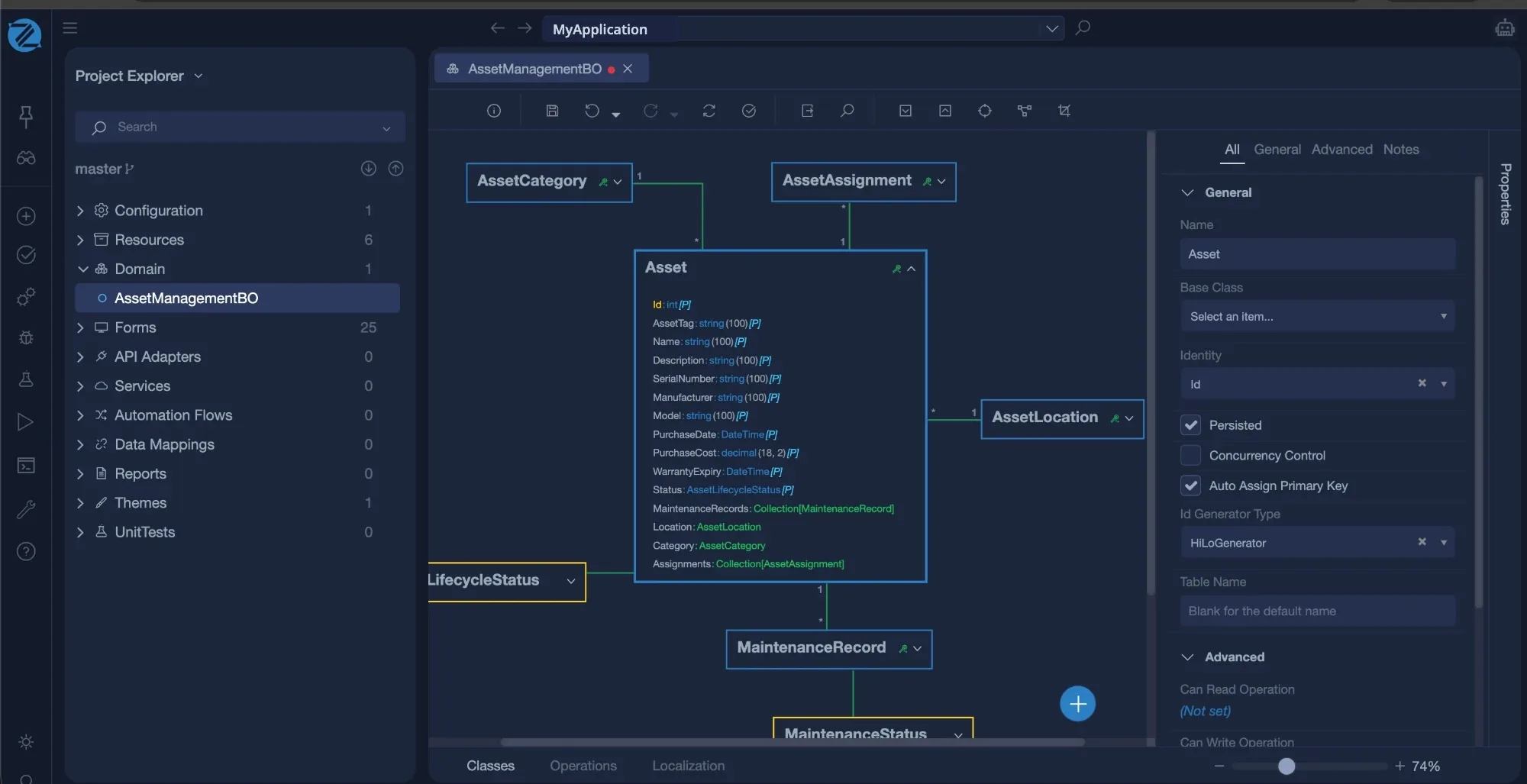
Business objects. Classes, attributes and associations drawn as a diagram. The database and the API follow from it.
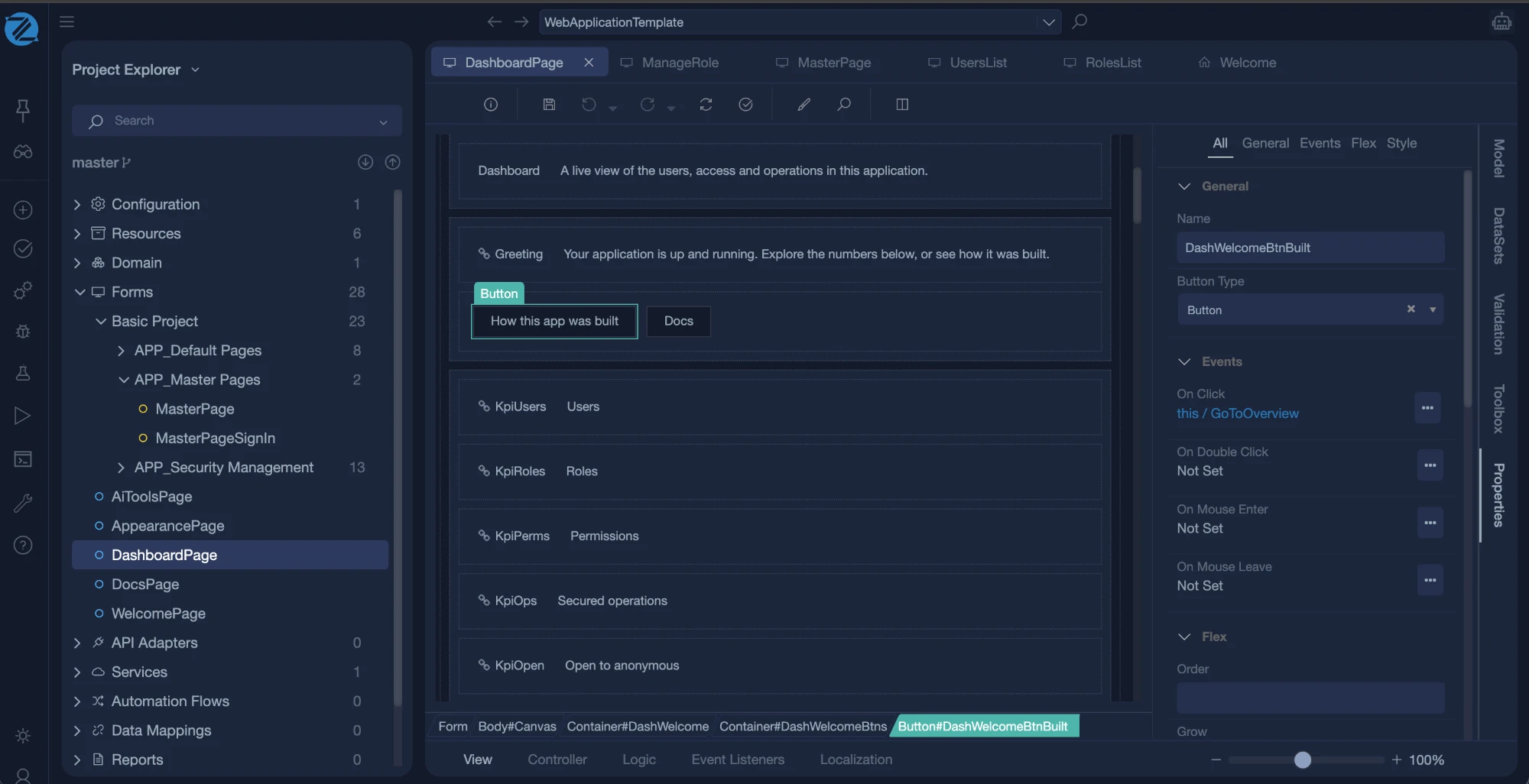
Forms. Lay out screens visually. Bind them to your objects, and add rules and validation without writing markup.
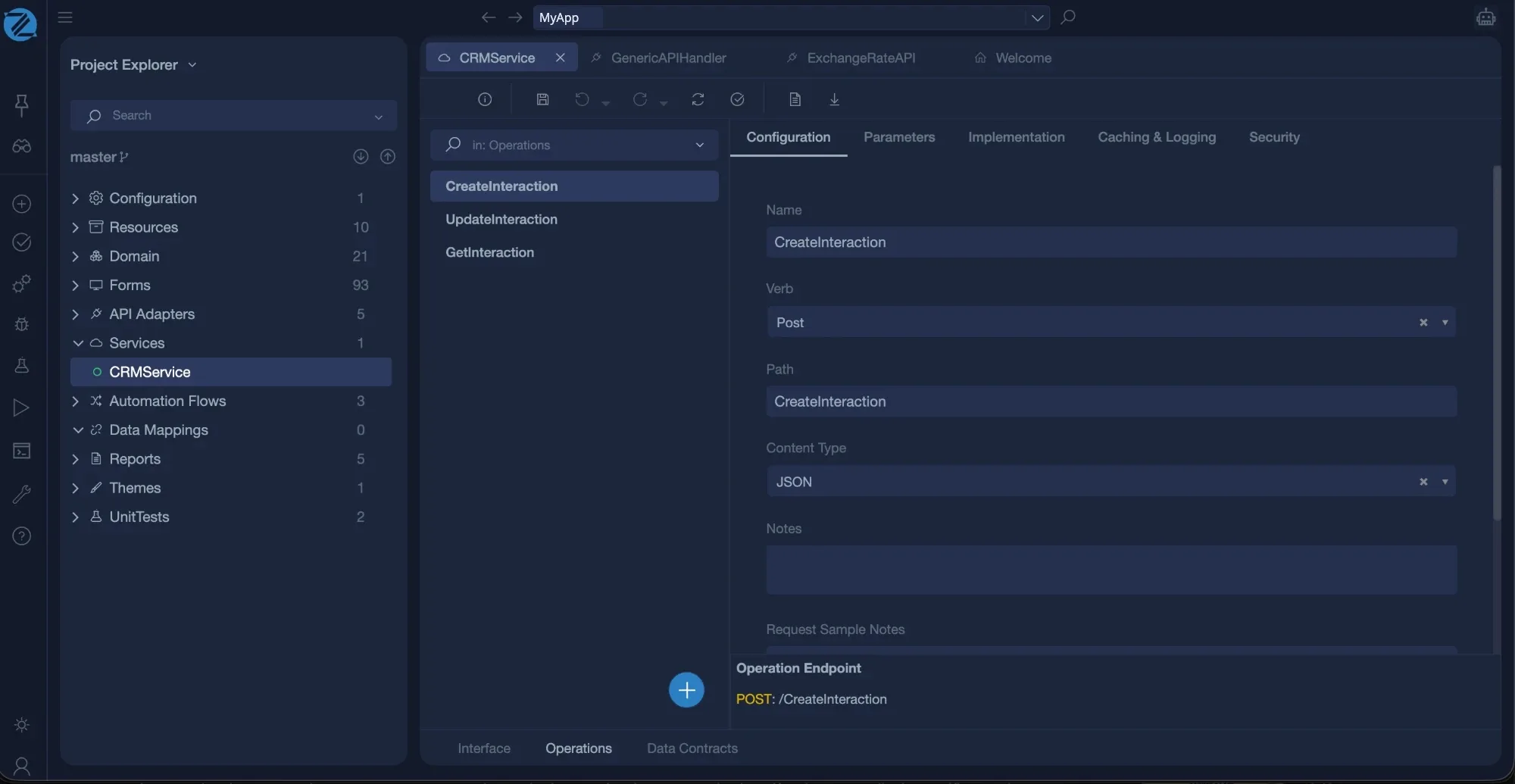
Services. Expose operations as REST or MCP. Set the verb, path and content type, and implement each one in the language.
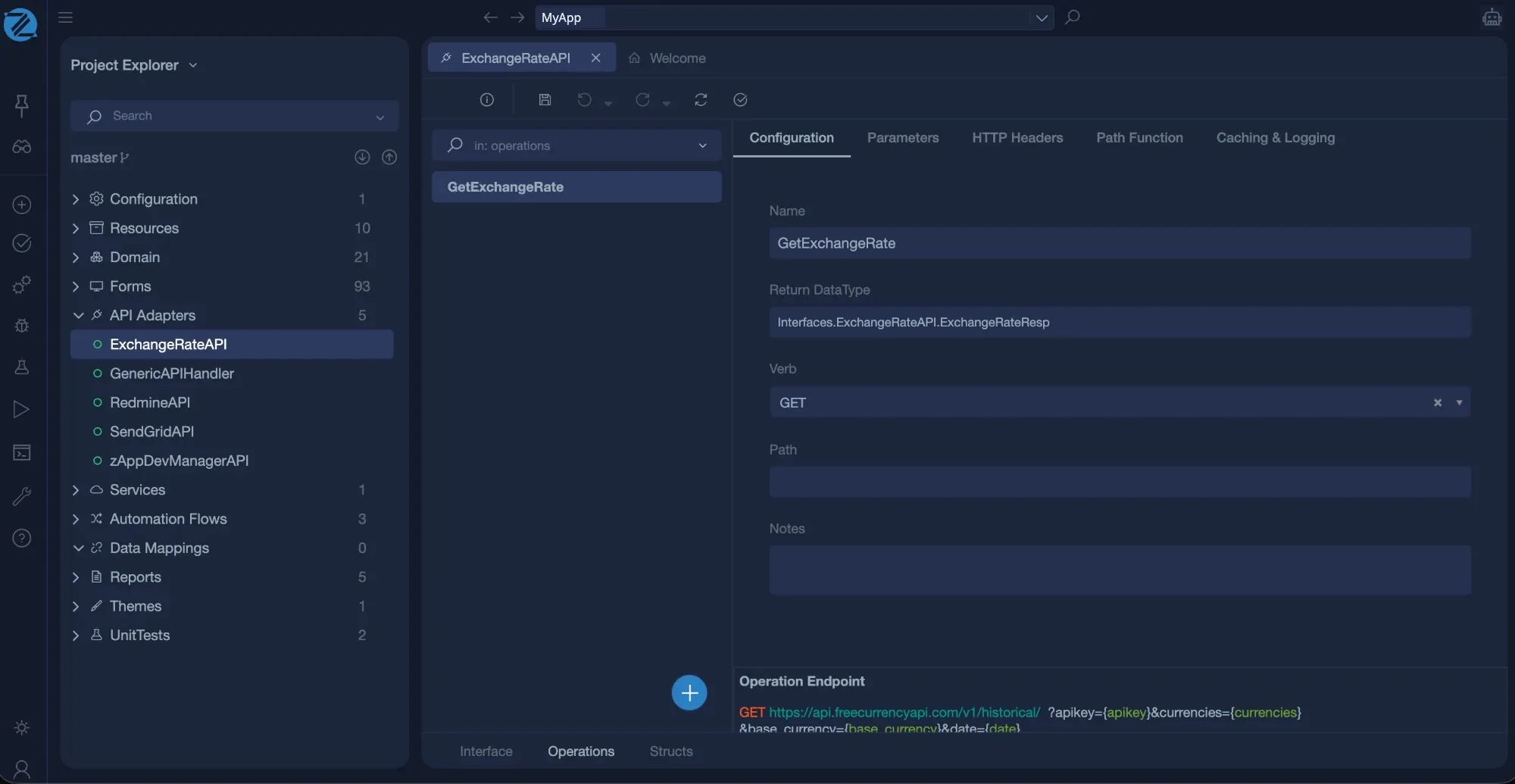
API adapters. Describe an external system once: its operations, parameters and structures. Call it from your logic.
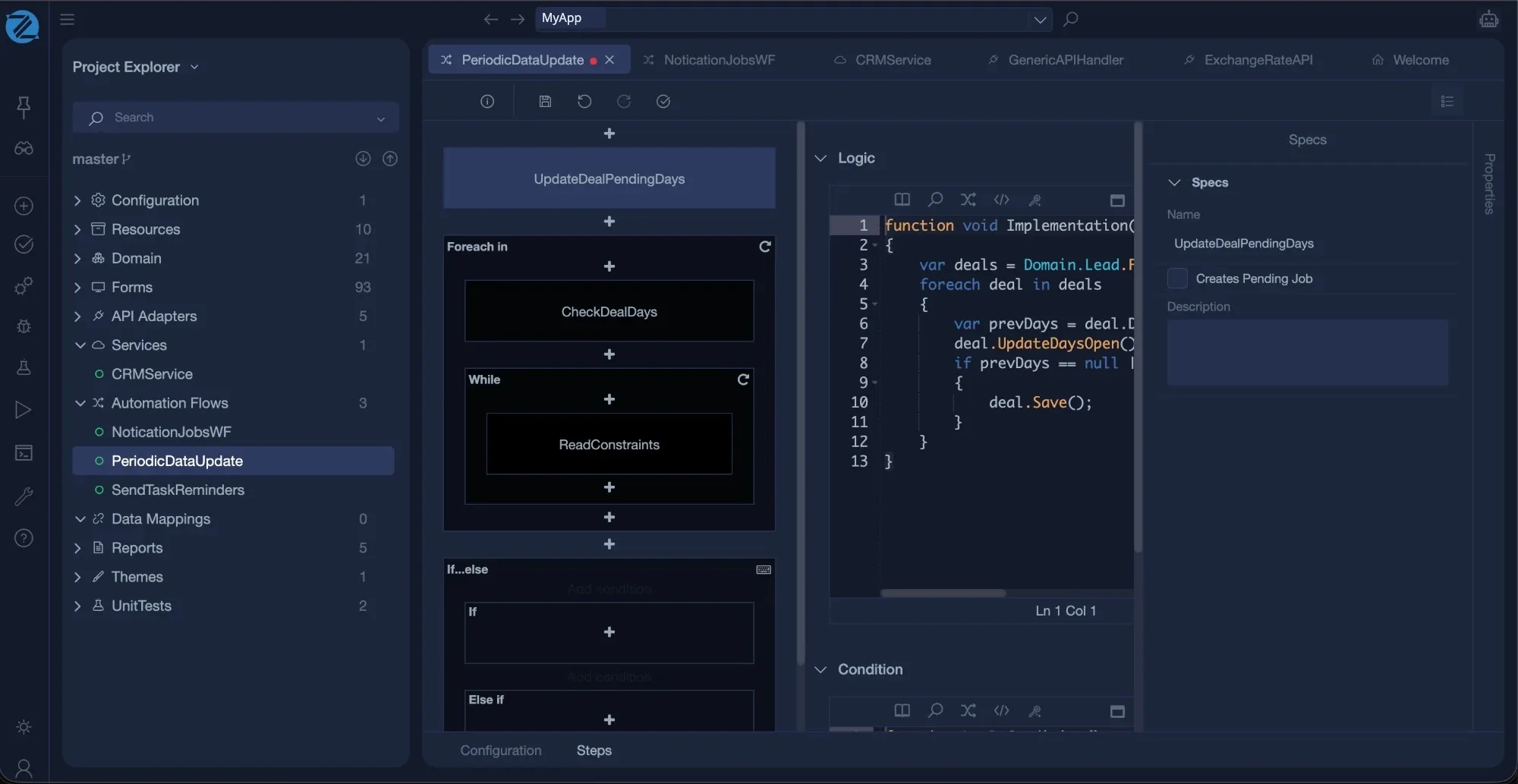
Automation flows. Build work that runs without a person, as steps and logic, with a schedule.
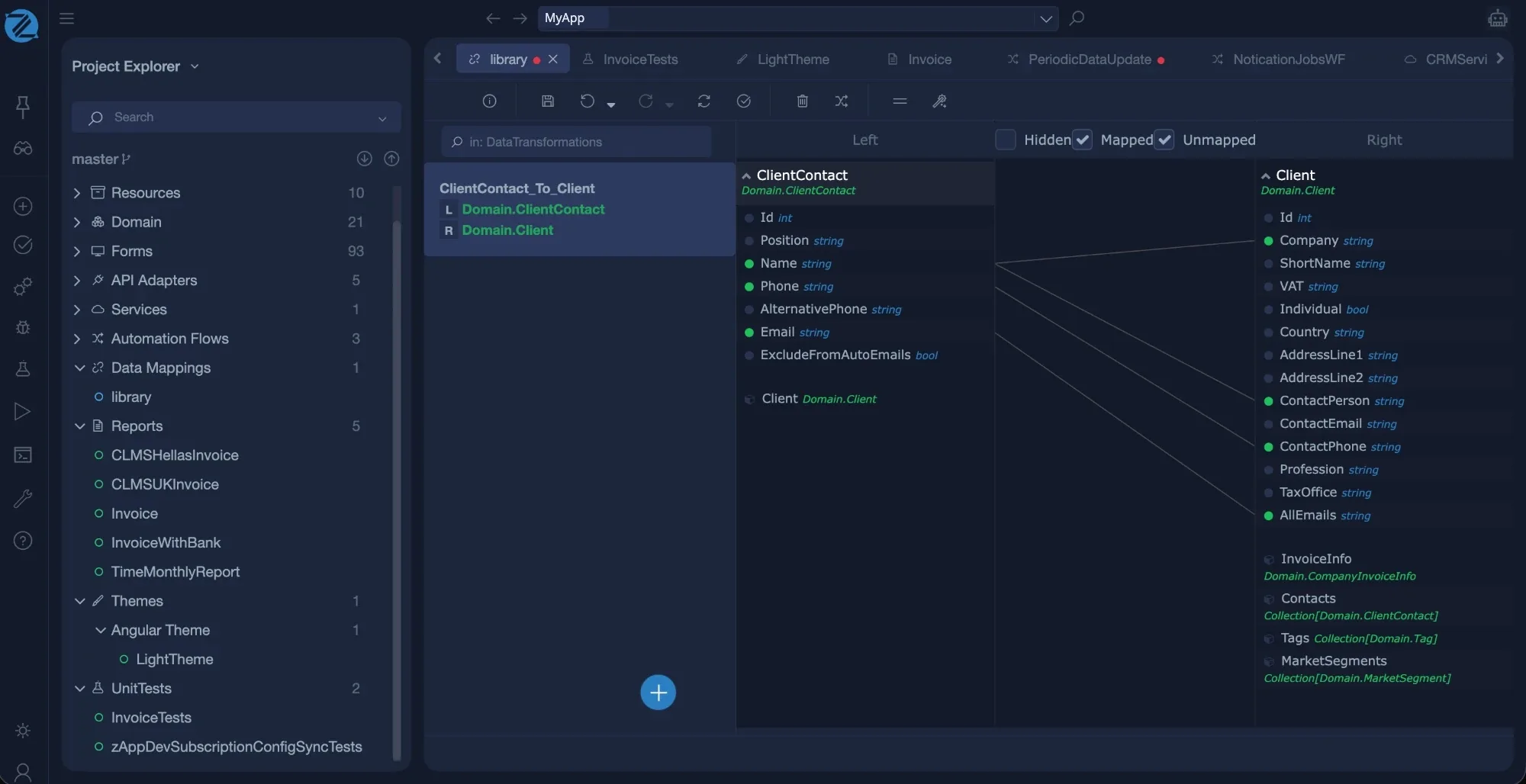
Data mappings. Map one shape of data to another, field by field, between external structures and your own objects.
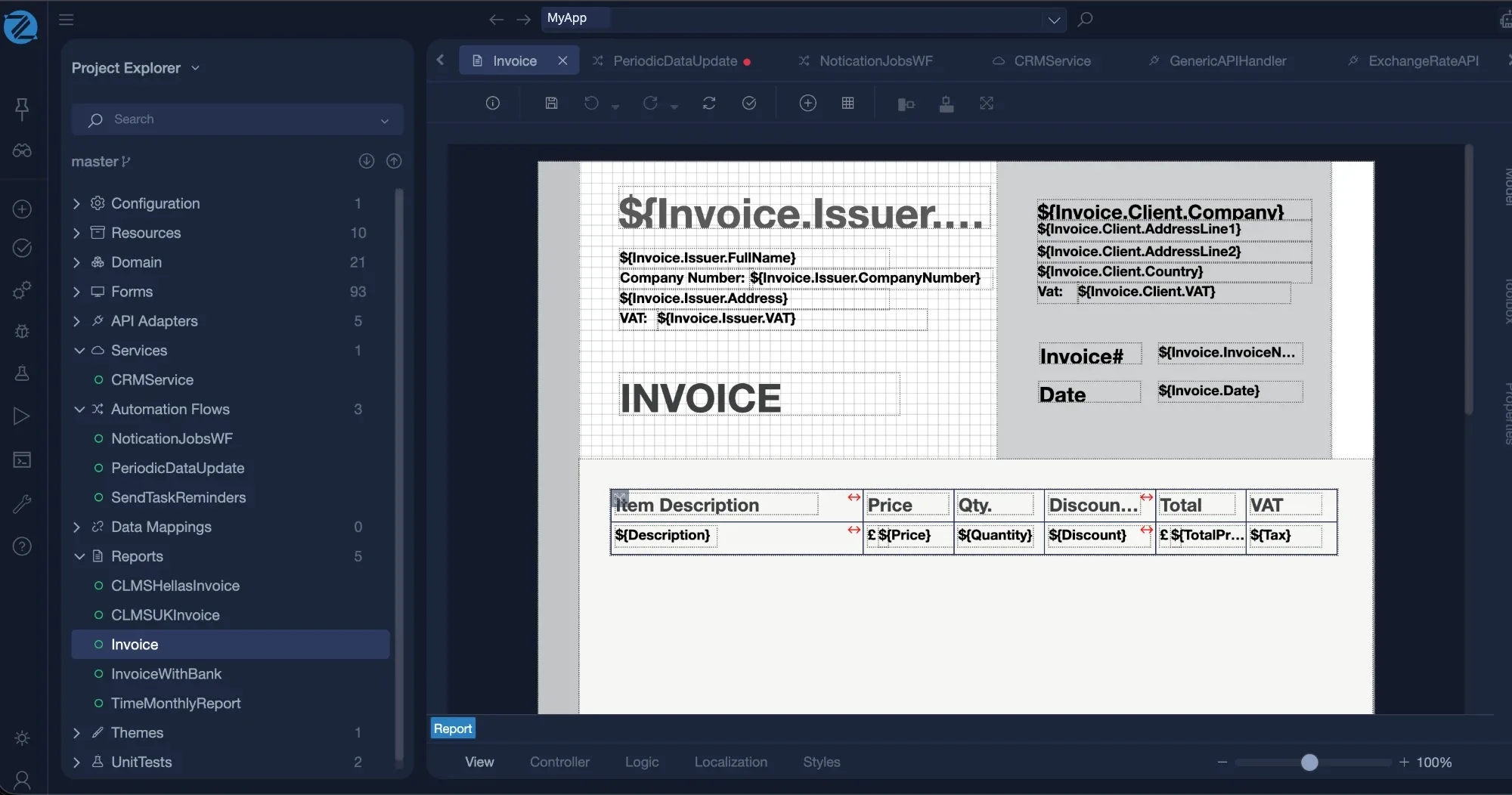
Reports. Design printable documents visually, bound to your data.
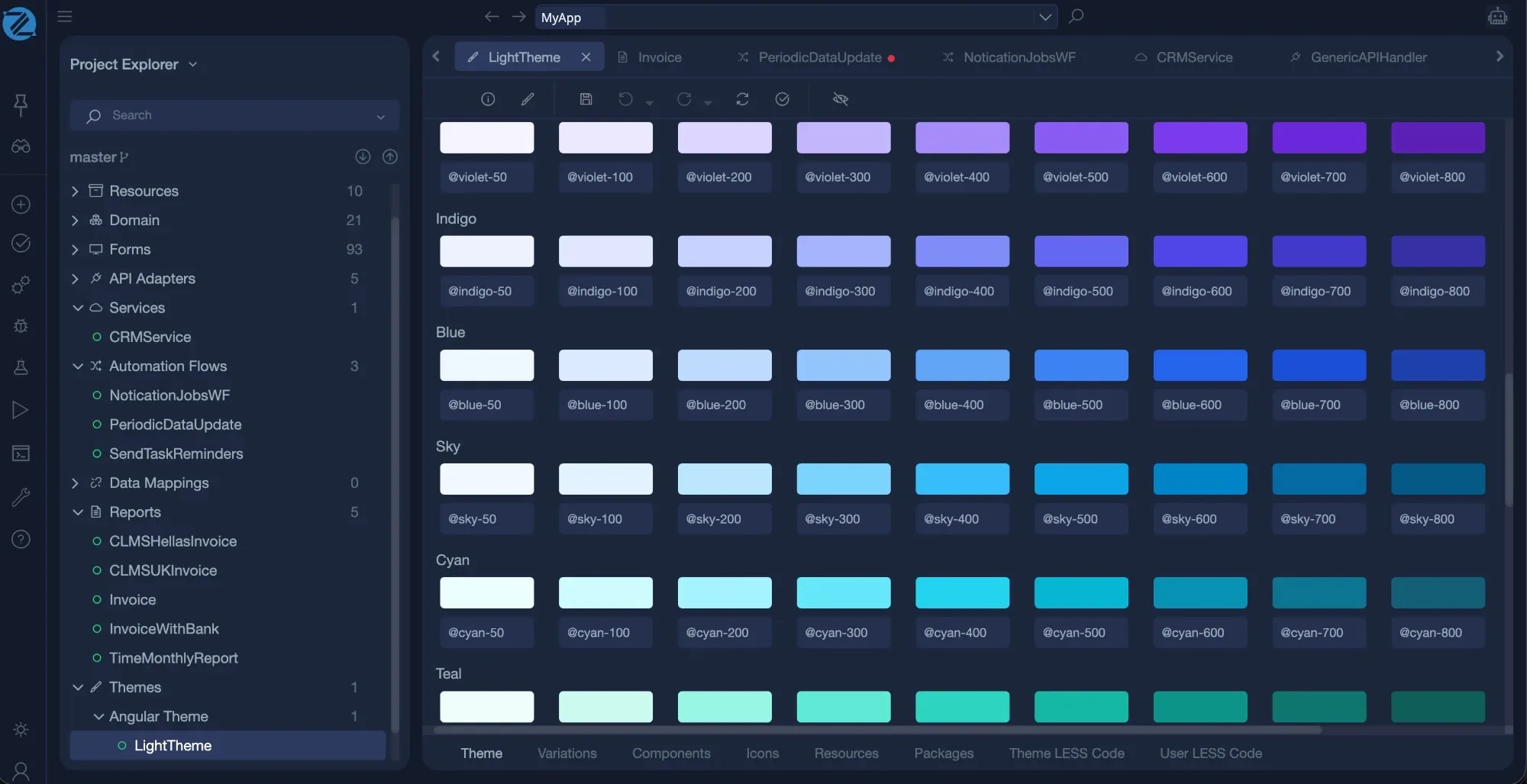
Themes. Set the look of every screen with design tokens, variations and styles.
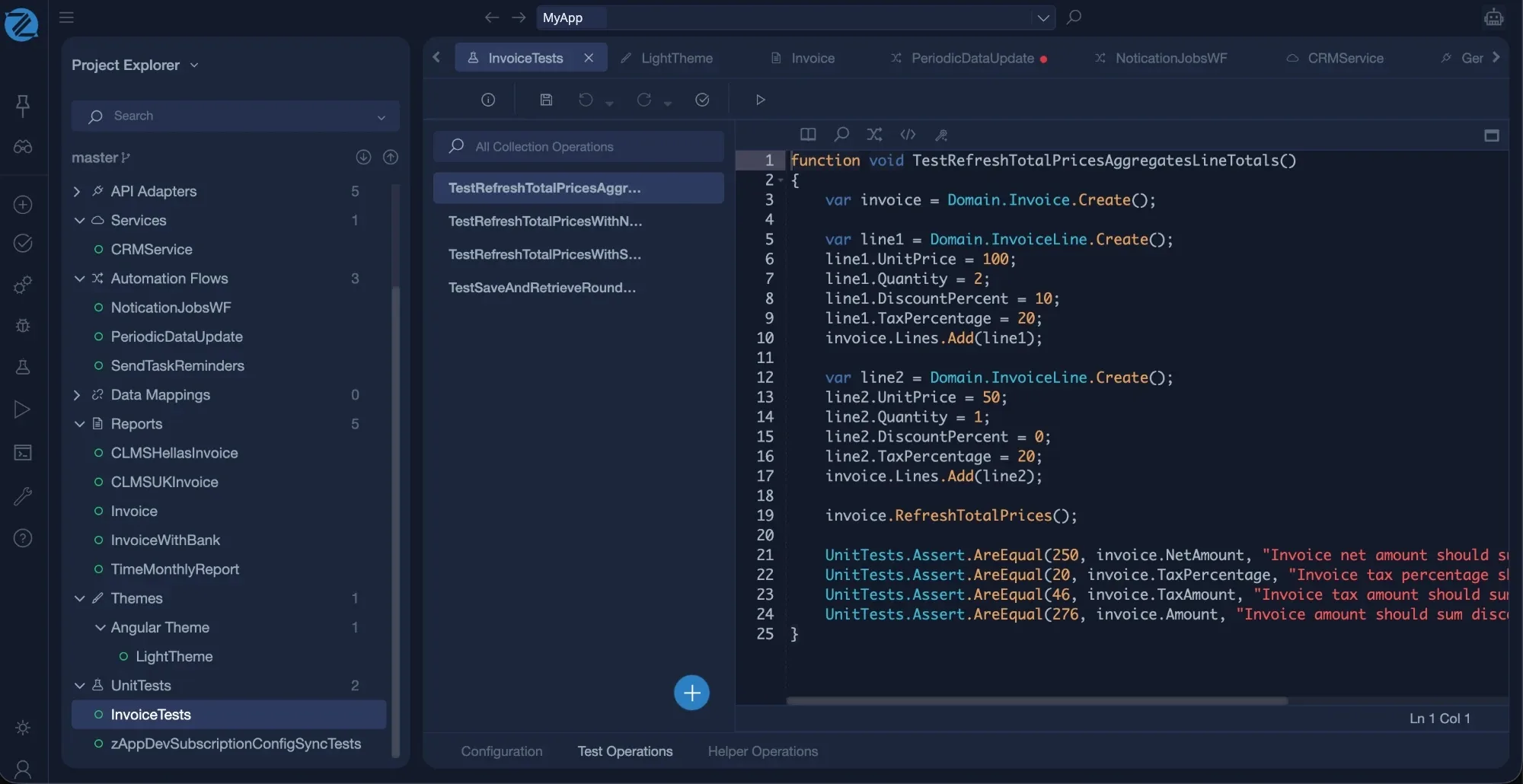
Unit tests. Write tests in the language and run them in Studio before every build.
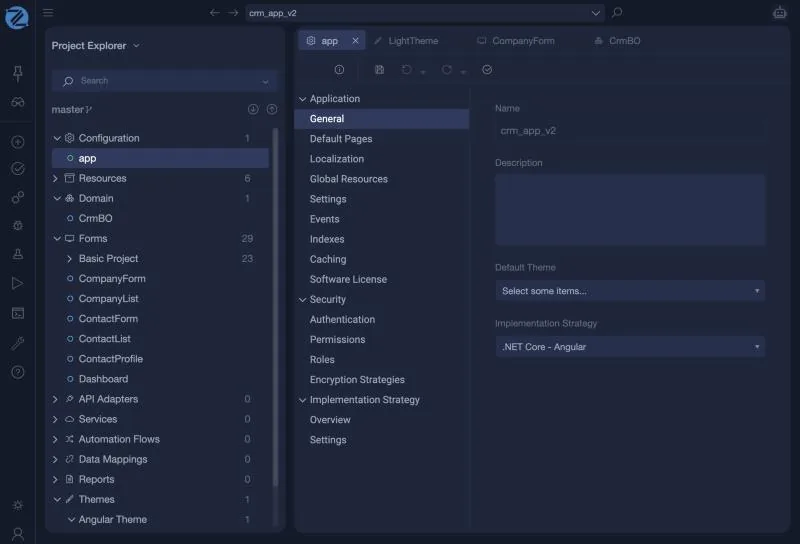
Configuration. Set up the application: its settings, roles and permissions, authentication and the target.
Everything in one place
Ten editors, one Intended Design
Each editor works on the same Intended Design, so every element knows what it is related to.
Configuration applies across every view
zAI
Ask. Review. Accept.
zAI works inside Studio on the Intended Design itself. It reads the real definitions through tools, proposes the change, and you decide. Nothing is hidden in generated code. Any MCP agent can do the same from outside Studio.
Best practice, built in
Version control, checks and releases are part of the workflow
Version control
Every Intended Design is kept in Git history, with branches, tags, remotes, update, commit and a log.
Checked before it builds
The whole Intended Design is validated, and a build does not start from an invalid Intended Design.
Tested
Run the unit tests of your logic in Studio before every build.
Numbered releases
Each deployment is kept as a numbered version with its method and status. Deploy by file, FTP or Git, and only from committed Intended Designs.
Code you can read and trace
Download the Intended Designs and the generated solution. A code map links generated code back to the Intended Design, and a hash for each file shows if it was edited.
Upgrades by rebuilding
The engine is kept up to date as a service. To adopt an update, build again, then review the result.
Open Studio
Create a free account and start from a template.
Create free account Read the documentation